

Industry Insights
Teams Auto Attendant vs AI Receptionist: When Menus Stop Working
What a Microsoft Teams auto attendant does well, where press-1 menus reach their limits, and when a conversational AI receptionist is the better fit.
 By Mefteh Werghemmi, Co-founder, Heedify
- teams auto attendant
- conversational ivr
- ai ivr
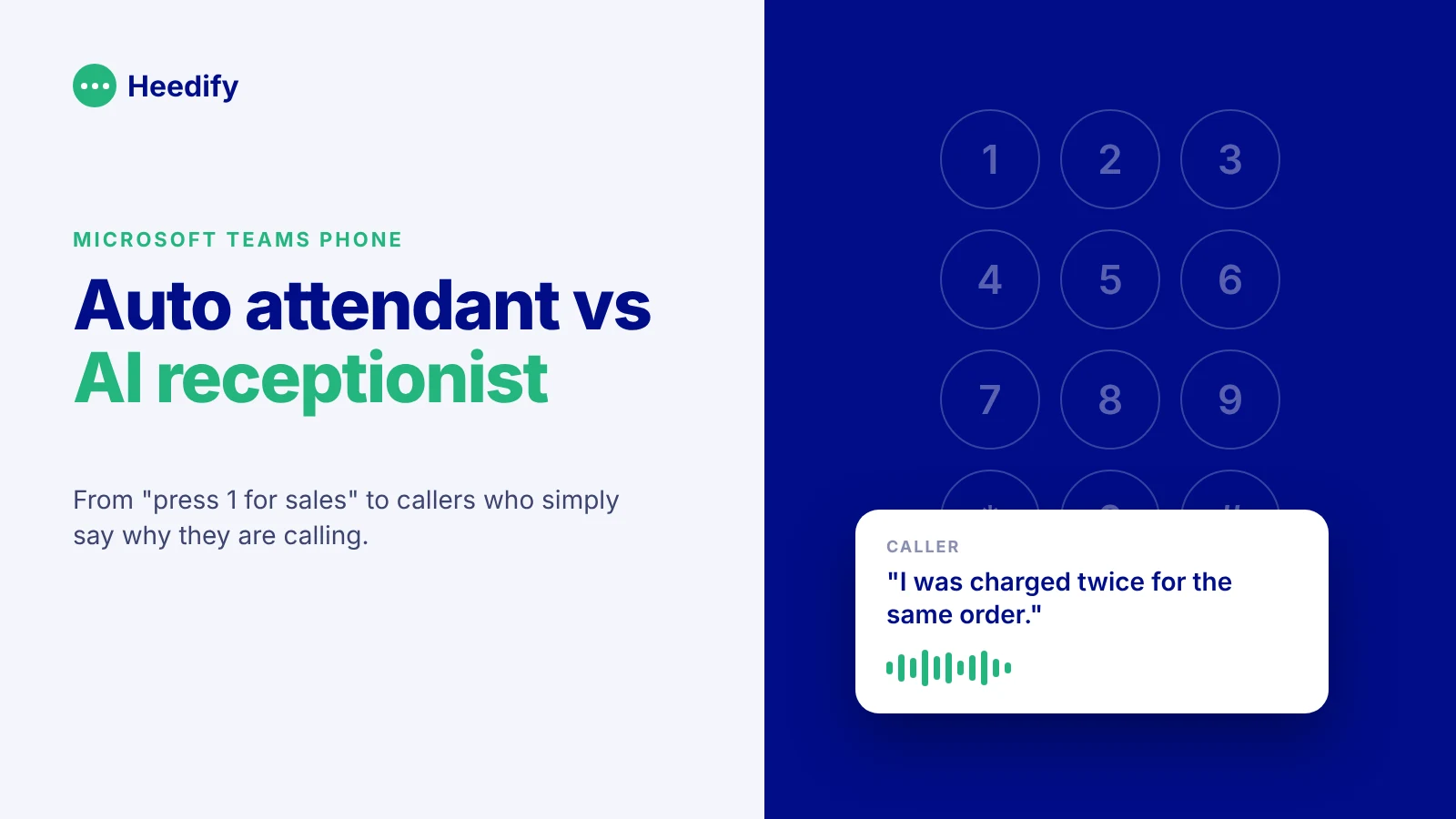
In short. A Microsoft Teams auto attendant is a menu: callers press a key or say a basic command, and the call goes to a person, a queue or a voicemail. It is included with Teams Phone and works well when callers know where they want to go. An AI receptionist is a conversation: the caller explains what they need in their own words, the AI answers what it can and transfers the rest to the right human with the context. The choice depends less on technology than on how your callers actually call.
Most organisations on Teams Phone already have an auto attendant. It is usually the first thing an IT team configures after porting the numbers: a greeting, business hours, a holiday schedule and a short menu. “For sales, press 1. For support, press 2.”
It does the job. Then, a few months later, someone looks at the call logs and asks why so many callers press 0, hang up during the menu, or land in the wrong queue.
This article explains what the Teams auto attendant does well, where menus start to hurt, and when it makes sense to put a conversational AI receptionist in front of your numbers instead, or next to the auto attendant you already have.
What is a Teams auto attendant?
A Teams auto attendant is the built-in menu system of Microsoft Teams Phone. It answers calls on a resource account, plays a greeting and routes the caller based on what they press or say.
According to Microsoft’s planning guide, an auto attendant can send callers to specific people, call queues, external numbers, other auto attendants or a shared voicemail. You can set different behaviour for business hours, after hours and holidays, let callers search the directory by name or extension, and configure an operator option.
Callers navigate with the keypad (DTMF) or with a set of predefined voice commands. Each auto attendant has one language and one time zone, so a multilingual or multi-region setup means several auto attendants.
In other words, it is a classic IVR, well integrated into Teams, and included in the platform.
What the auto attendant does well
It would be wrong to treat the auto attendant as outdated. For a lot of calls, it is exactly the right tool.
It is predictable. The same input always leads to the same place, which is easy to document and easy to audit.
It is fast for callers who know what they want. “Press 2 for accounts payable” takes two seconds if that is why you called.
It handles opening hours and holidays cleanly, and it is part of Teams Phone, so there is nothing extra to buy for a basic setup.
If most of your callers ask for a department by name and rarely need help choosing, a well-designed auto attendant with a short menu is hard to beat.
Where menus start to hurt
Menus work when the organisation’s structure matches the caller’s question. The trouble starts when it does not.
A caller has a problem, not a department. They want to know why their invoice is wrong, or whether their order shipped. They do not know if that is billing, logistics or customer service, so they guess, or they press 0.
Menus grow. Every new team asks for its own option. Three options become seven, then a sub-menu appears. Callers listen to the whole list before choosing, and some give up.
The caller explains nothing. A keypad captures a choice, not a reason. When the call reaches a human, the human starts from zero: “Hi, how can I help?”
Voice commands help a little, but they are still commands. The auto attendant recognises “sales” or “support”. It does not understand “I was charged twice for the same order and nobody answered my email”.
None of this is a bug. It is simply what a menu is.
What is a conversational IVR?
A conversational IVR, sometimes called an AI IVR, replaces the menu with a conversation. Instead of listening to options, the caller says why they are calling, in their own words. The system understands the request, asks a follow-up question if needed, and then either answers or routes the call.
The latest generation goes further and is better described as an AI receptionist or voice agent. It does not only route. It can answer questions from a knowledge base, look up information in your tools, take a message, and hand the call to a human with a summary of what was said.
Microsoft has moved in this direction too. Teams Phone Agent, now generally available, extends auto attendants with natural language understanding. For many organisations with a simple front desk, it is a very good first step, and we covered what it does in a separate article.
Teams auto attendant vs AI receptionist: the comparison
| Teams auto attendant | AI receptionist | |
|---|---|---|
| How the caller expresses the need | Keypad or predefined voice commands | Free speech, in their own words |
| What the system understands | The option chosen | The reason for the call |
| Can it answer questions? | No, it routes | Yes, from your knowledge base and connected tools |
| Directory search | By name or extension | By name, role or topic (“someone who handles invoices”) |
| Languages | One per auto attendant | Several in the same flow |
| What the human receives on transfer | The call | The call, plus who is calling, why and what was already done |
| Reporting | Call volumes and paths through the menu | What the AI resolved, what it transferred, to whom, and how it ended |
| Setup | Menu tree to design and maintain | Knowledge, routing rules and transfer targets |
When to keep the auto attendant
Keep it, and keep it simple, if your callers mostly ask for a department or a person by name, your menu fits in three or four options, and the calls that reach a human rarely need much explaining.
Many organisations also keep an auto attendant for specific lines (a supplier hotline, an internal helpdesk number) while putting an AI receptionist on the main public number. The two live side by side in the same Teams tenant.
When an AI receptionist makes more sense
Consider an AI receptionist when callers regularly press 0 or pick the wrong option, when the same simple questions reach your team all day (opening hours, order status, how to reset an account), when you take calls in several languages, or when your agents keep asking callers to repeat what they already said in the menu.
The last point is the one people underestimate. An AI that understands the caller but loses everything at the moment of transfer is only a friendlier menu. The value appears when the context reaches the human. We explain why in our article on warm transfer vs cold transfer.
What changes with Heedify AI Receptionist
Heedify AI Receptionist runs natively in Microsoft Teams, on your existing Teams Phone numbers. There is no SIP bridge to an external voice platform, so the call never leaves Teams.
It sees what Teams sees: who is in the directory, who is available, which queue fits the request. When a caller asks for someone who is in a meeting, it can offer another colleague or take a message instead of ringing into the void.
When it transfers, the human gets the context before accepting the call: caller, subject, summary and what the AI already did. The call can go to a receptionist on the attendant console or to an agent in a Teams contact center queue, with the same information.
Everything is measured in one place. The AI receptionist, your receptionists and your contact center agents appear in the same reporting, so you can see which call subjects the AI resolves alone and which ones still need a human. If you want to go deeper on metrics, see the KPIs that matter for a voice AI agent in Teams.
Heedify is hosted on Microsoft Azure, with data centres in Europe, and is available on the Microsoft Marketplace.
Frequently asked questions
What is a Microsoft Teams auto attendant?
It is the menu system built into Teams Phone. It answers calls, plays a greeting and routes callers to people, call queues, other auto attendants, external numbers or voicemail, based on keypad input or basic voice commands.
Does the Teams auto attendant understand natural language?
Not on its own. It recognises predefined voice commands. Natural language understanding comes from Microsoft’s Teams Phone Agent or from a third-party AI receptionist.
What is the difference between an IVR and a conversational IVR?
A classic IVR asks the caller to choose from a menu. A conversational IVR lets the caller explain the reason for the call in their own words and routes or answers based on what they said.
Can I use an AI receptionist and a Teams auto attendant together?
Yes. A common setup is an AI receptionist on the main public number and auto attendants on specific lines. Both run in the same Teams tenant.
Does an AI receptionist replace receptionists?
No. It takes the simple and repetitive calls, after-hours calls and overflow, and passes everything that needs a person to your team with the context already collected.
How long does it take to set up Heedify AI Receptionist?
A pilot on a test Teams Phone number can be running in under an hour. A production rollout depends on your knowledge base, routing rules and integrations.
Hear the difference on a real call
The quickest way to compare a menu and a conversation is to call both. We are happy to show you Heedify AI Receptionist on a real Teams number, including the moment it hands the call to a human.